
Your cold email campaign started strong. A few replies trickled in, maybe a meeting or two got booked. Then, gradually, things went quiet. Open rates held, but replies dried up. Sound familiar?
A drop in cold email reply rate is one of the most frustrating problems in B2B sales because it rarely has one obvious cause. The campaign looks fine on the surface. But something has broken down underneath.
This article gives you a practical outbound troubleshooting framework to diagnose exactly what went wrong and what to do about it. Whether you’re a founder running outreach yourself or a sales leader managing a team, these steps will help you stop guessing and start fixing.
Step One: Diagnose the Real Problem First
Before you change anything, you need to figure out where the breakdown actually is. There are three main culprits when cold outreach stops working:
- The list (wrong people, stale data, exhausted contacts)
- The copy (messaging that no longer resonates, or never did)
- Deliverability (emails not reaching the inbox at all)
Each one requires a completely different fix. Changing your subject line when the real issue is domain reputation wastes time. Rebuilding your list when the problem is actually your messaging wastes money. This is the same triage logic we use when validating a new ICP in 30 days: a low open rate points to deliverability or subject lines, a high open rate with low replies points to messaging, and replies from the wrong persona point to a targeting problem, not a copy problem.
How to Tell Which One Is the Problem
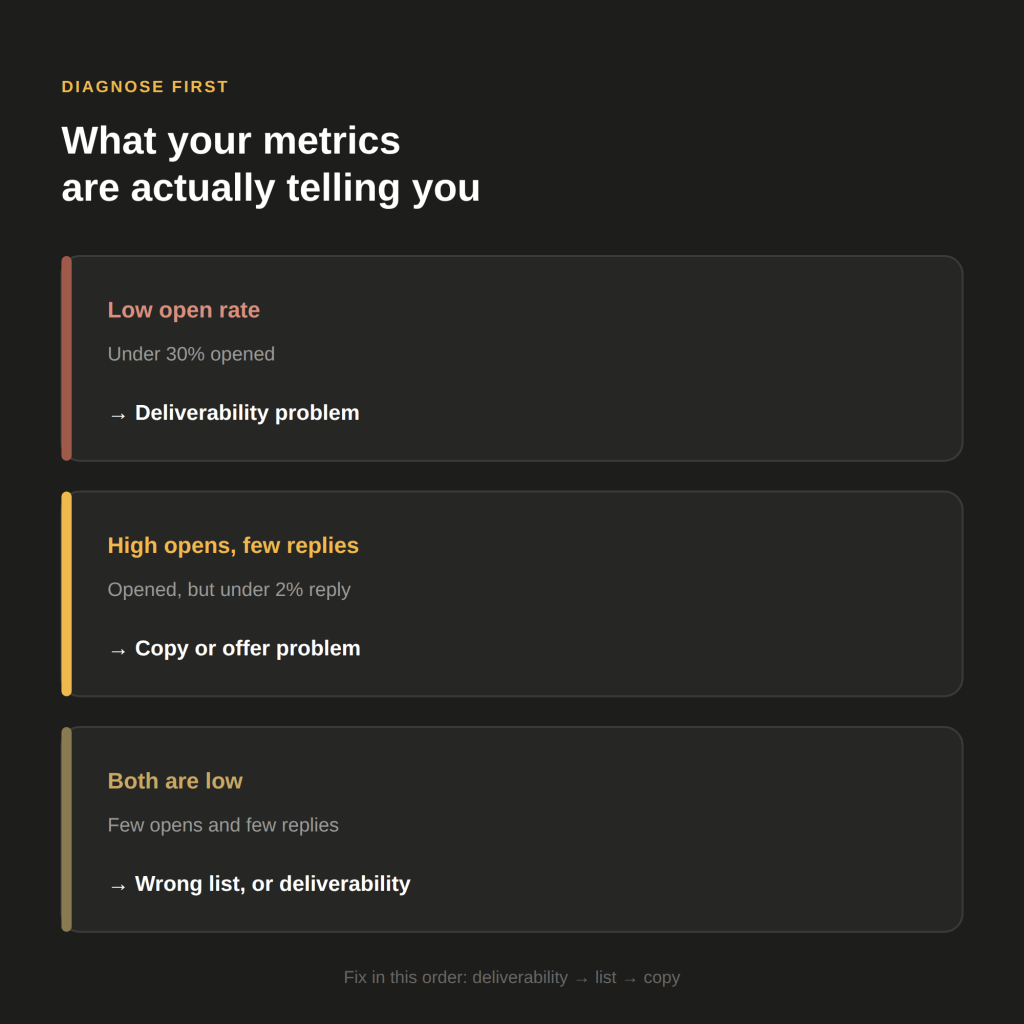
Start with your metrics. Use this as a rough guide:
- Low open rates (under 30%): Deliverability is likely the issue. Your emails may be landing in spam, or your subject lines are failing the first filter.
- High open rates but low replies (under 2%): The copy or the offer is the problem. People are seeing your message, but it is not compelling enough to respond to.
- Low open rates AND low replies: Could be deliverability, or you are reaching the wrong people entirely.
Check your bounce rate and spam complaint rate too. If bounce rates are above 3-5%, your list data quality is poor. If complaints are elevated, inbox providers are likely penalising your domain across all sends.
Step Two: Fix the List Before You Fix the Message
A lot of teams jump straight to rewriting copy when the actual issue is that they have run out of the right people to contact. This is called list exhaustion, and it happens faster than most people expect.
The good news: you do not always need to build a brand new list from scratch. That takes time and budget. Instead, try these approaches first.
Recycle and Re-Segment What You Already Have
Go back into your existing contact database and look at it differently. Break your list down by:
- Engagement level (opened multiple times but never replied vs. zero opens)
- Job title or seniority (you may have been targeting the wrong persona all along)
- Company size or vertical (some segments may be under-contacted)
Prospects who opened your emails but never replied are a very different group from those who never engaged at all. The first group deserves a different follow-up path, perhaps a LinkedIn touch or a short video message. The second group needs a data quality audit before you contact them again. This kind of re-segmentation works best when it’s anchored to something dynamic rather than static firmographics — the same principle behind signal-based outreach for personalizing cold email at scale.
Consider Switching the Persona or Vertical
If your list genuinely is exhausted, you do not necessarily need to change your product or offer. Switching the target persona or entering a new vertical can restart momentum entirely.
For example, if you have been targeting Operations Directors at mid-size SaaS companies, try going after VPs of Sales at the same company profile. Same product, same offer, fresh audience, different pain point framing.
Step Three: Address the Webinar and Event Dependency Problem
One common pattern in struggling campaigns is over-reliance on a single event as the hook. Webinar-based outreach works well, but it has a natural expiry date. Once the event passes, the messaging becomes irrelevant overnight. If event-driven outreach is a channel you rely on regularly, how to use event registrant data as a cold outreach signal covers how to keep a steady pipeline of new events feeding the campaign, rather than betting everything on one.
This is an easy trap to fall into. You build a sequence around a webinar your client or company is hosting, the campaign performs well during the pre-event window, and then replies collapse the week after.
Build a Fallback Nurture Sequence in Advance
The fix here is to plan for the transition before the event ends. When you know a campaign is event-driven, build a secondary sequence ready to deploy immediately after. This might focus on:
- The key takeaways from the webinar
- A relevant piece of content (a guide, a case study, a framework)
- A direct conversation invite based on the topic the event covered
This keeps the conversation alive without the campaign going dark. Prospects who showed interest in the event topic are still warm, but they need a new reason to engage.
Step Four: Audit Your Deliverability
Deliverability is the most technically complex part of outbound troubleshooting, and it is also the most overlooked. Many teams assume their emails are reaching inboxes when a significant portion are quietly going to spam.
Google and Microsoft have become much more aggressive with their filtering. If your sending domain is generating low engagement over high volume, inbox placement will degrade across your entire outbound operation. Our breakdown of what Google’s 2025 spam changes mean for B2B cold email covers exactly what changed and why engagement quality now matters more than raw send volume.
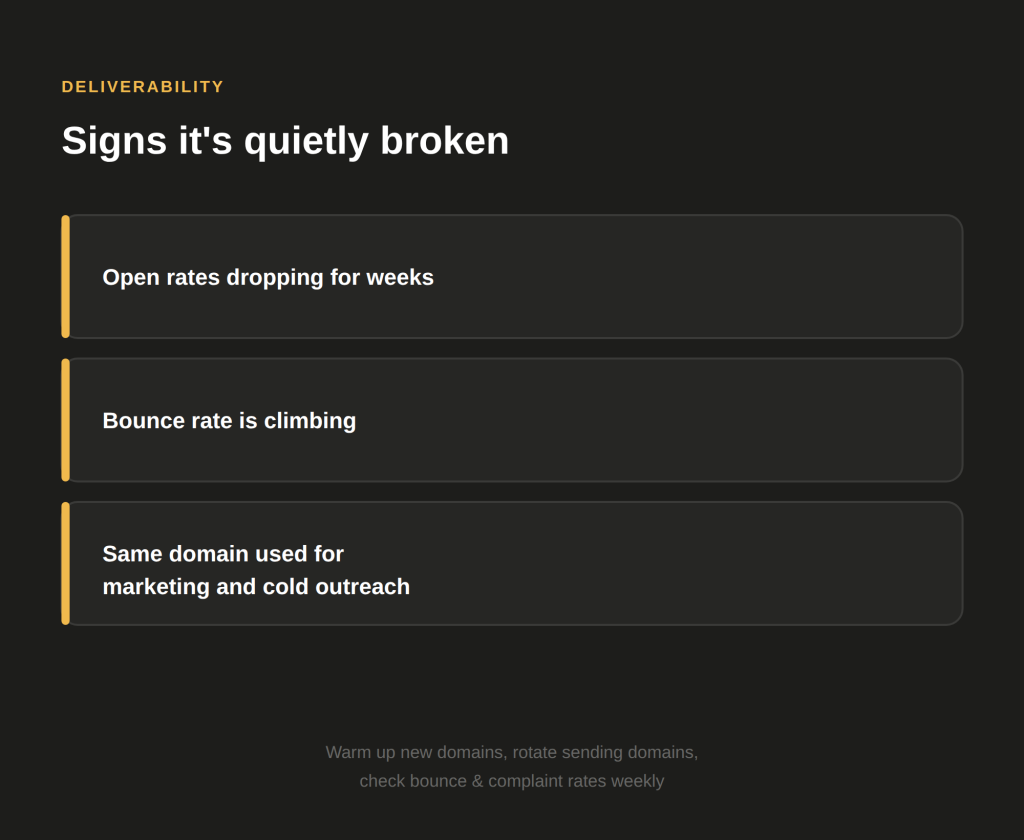
Signs Your Deliverability Is Broken
- Open rates have dropped steadily over several weeks even with the same messaging
- Bounce rates are climbing
- You are sending to professional email addresses but getting unusual patterns in open tracking
- You are using the same domain for marketing and cold outreach — a mistake we cover in detail in how to protect your main domain from deliverability damage
What to Do About It
- Warm up new domains before using them for cold outreach
- Rotate sending domains so no single domain carries too much volume
- Monitor bounce and complaint rates weekly, not monthly
- Avoid link-heavy or image-heavy emails in cold sequences; plain text consistently performs better for deliverability
- Check your sending infrastructure and ensure proper SPF, DKIM and DMARC authentication is in place
If you recognize this pattern from a domain you’ve had to retire before, you may already be in the domain burnout cycle — buying a new domain every time deliverability collapses instead of fixing the sending behavior that caused it.
Fixing deliverability often produces an immediate improvement in reply rates, even without changing a single word of copy.
Step Five: Revisit the Copy and Offer
Once you have ruled out list and deliverability issues, look hard at your messaging. The most common copy problems in underperforming campaigns are:
- Leading with features instead of pain: Your prospect does not care what your product does; they care about what problem it solves for them specifically
- Messages that sound like everyone else’s: Generic personalisation such as “I noticed you work in [industry]” no longer moves the needle
- Offers that create friction: Asking for a 30-minute call in the first email is a high-commitment ask; a lighter CTA often converts better
- Message fatigue from overuse: If you have been running the same angle for months, your target audience may simply be desensitised to it
Test one variable at a time. Change the opening line, the CTA, or the core angle, but not all three at once. That way you can actually see what is making the difference. For a full breakdown of what each element of the email should be doing, see how to write a cold email that earns a reply.
Conclusion
A plateau in replies is not a sign that cold outreach does not work. It is a signal that something specific has broken down, and every problem has a specific fix. The key is to diagnose before you change anything. Check the list, check deliverability, and then check the copy, in that order.
If your campaign was built around a single event, plan the transition in advance. If your list is exhausted, re-segment before you rebuild. If you are stuck in the same vertical with the same persona, a small pivot can open up a lot of new conversations.
If you are running these campaigns in-house and the troubleshooting feels overwhelming, there is another option. A fully managed outbound system handles all of this continuously, not just when things break. Get in touch to find out how we help B2B teams build pipelines that do not stall.